
Gaming PC / Buying guide
Gaming PC Norway: What to know before buying a gaming computer in Norway
Buying a gaming PC in Norway can be confusing because prices, warranties, delivery times and “spec shortcuts” vary a lot. This guide gives you a practical checklist for choosing the right gaming computer (or gaming desktop) in 2025: performance per krone, what to check in the specs, consumer rights, and what matters for stability (temps and noise). At the end you’ll find 4 ready-to-ship gaming PCs from Greencom you can compare against.
Start here: set your screen target (1080p/1440p/4K + Hz)
The fastest way to choose the right gaming PC is to decide what you want your screen to run. Screen resolution and refresh rate decide the performance you need.
| Screen target | What to prioritize | Typical use |
|---|---|---|
| 1080p + 144–240 Hz | CPU and stable FPS (1% lows), low input lag | Esports, competitive gaming |
| 1440p + 144 Hz | GPU performance + balanced CPU, good cooling | Best all-round choice for many in 2025 |
| 4K | GPU-first, larger NVMe SSD, strong cooling and PSU margin | AAA visuals, single-player |
What’s unique about buying a gaming PC in Norway
- Pricing and campaigns vary a lot: “gaming PC tilbud” can hide compromises in RAM, SSD, cooling or PSU.
- Warranty and service matter more: Shipping a desktop back and forth is slower and riskier than quick local service.
- Nordic home setups: Many people game in smaller rooms, so noise levels can matter as much as FPS.
- Keyboard layouts and OS: Make sure you’re getting what you want (Nordic layout if included, Windows setup if relevant).
Specs that matter (GPU, CPU, RAM, SSD)
GPU (graphics card)
- Most important for 1440p and 4K performance.
- Always check the exact model, not just “RTX”.
- Match GPU level to your screen target.
CPU (processor)
- Most important for 1080p high refresh and esports.
- Helps with smoothness (1% lows) and multitasking/streaming.
- Avoid “strong GPU + weak CPU” if you play competitive titles.
RAM
- 16 GB is the minimum in 2025.
- 32 GB is smart if you stream or multitask a lot.
- Two sticks is often better than one for performance.
SSD
- Look for NVMe SSD (not just “SSD”).
- 1 TB is often the practical minimum if you install several big games.
- Extra M.2 slot is a big plus for future upgrades.
Cooling, noise and stability (often overlooked)
Two gaming computers can look identical on paper but feel totally different in real life. The reason is usually cooling and noise. A better-cooled PC will keep boost clocks longer, run quieter, and feel more consistent in long sessions.
- Good airflow (intake + exhaust) and enough fans.
- CPU cooler sized for the CPU.
- Lower noise can be worth a tiny FPS difference.
Upgradeability (avoid “locked” prebuilts)
A good gaming desktop should be easy to upgrade. Before you buy, check:
- Free RAM slots
- Free M.2 slot for NVMe SSD
- Case space for a future GPU
- PSU wattage margin for upgrades
Gaming PC Norway: how to compare price vs value
Use this quick “value score” when comparing two options in Norway:
- Matches your screen target (resolution + Hz)
- Exact GPU/CPU listed and balanced for your games
- 16 GB+ RAM (32 GB if streaming)
- NVMe SSD and practical size (often 1 TB)
- Cooling and airflow look sensible
- Upgradeability (RAM/M.2/PSU margin)
- Warranty/service you trust
The best “deal” is usually the PC that won’t require immediate upgrades or become loud and hot under load.
Buying used in Norway: quick safety checklist
- Ask for proof of purchase (warranty/consumer rights and date).
- Test load: a quick gaming session is not enough, run a longer load if possible.
- Check temps and noise, and look for dust/cooling issues.
- Confirm the exact parts match the listing (GPU/CPU/RAM/SSD).
- Avoid deals that refuse basic questions or testing.
Ready-built gaming PCs from Greencom (easy to compare)
Want a local Norwegian option with clear product pages? See the full selection here: https://greencom.no/butikk/greencom-pc
1) Entry V894G (budget start)
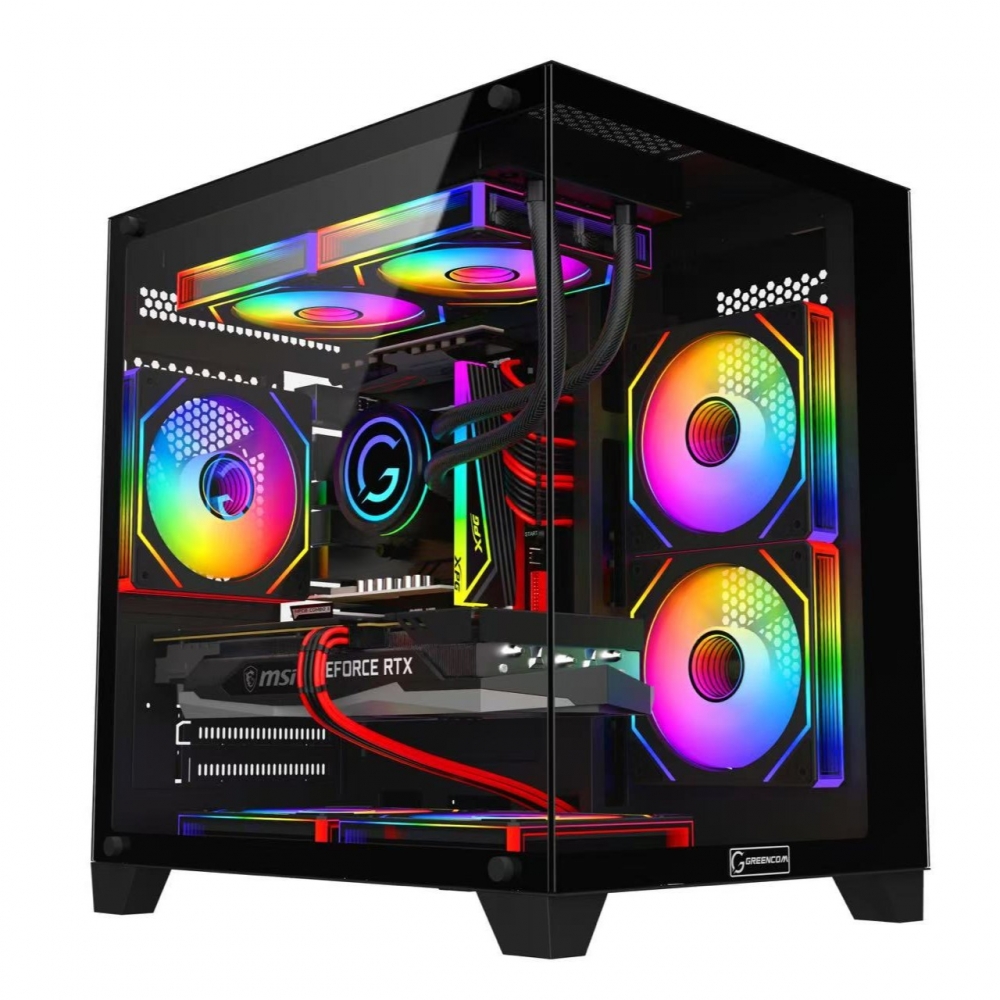
2) ArcticStorm iZ539X (all-round value)
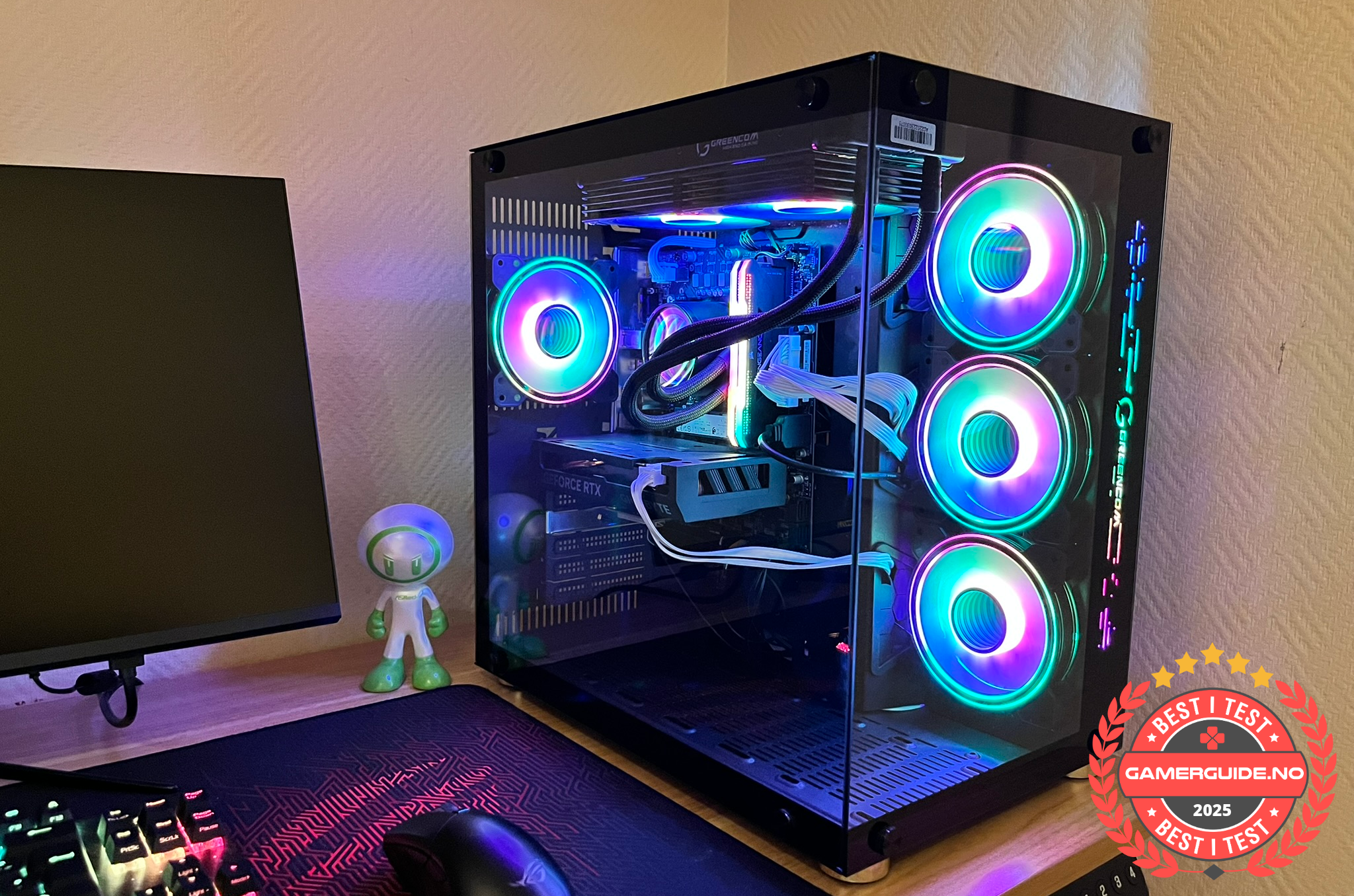
3) Phoenix Z569CR (more headroom)
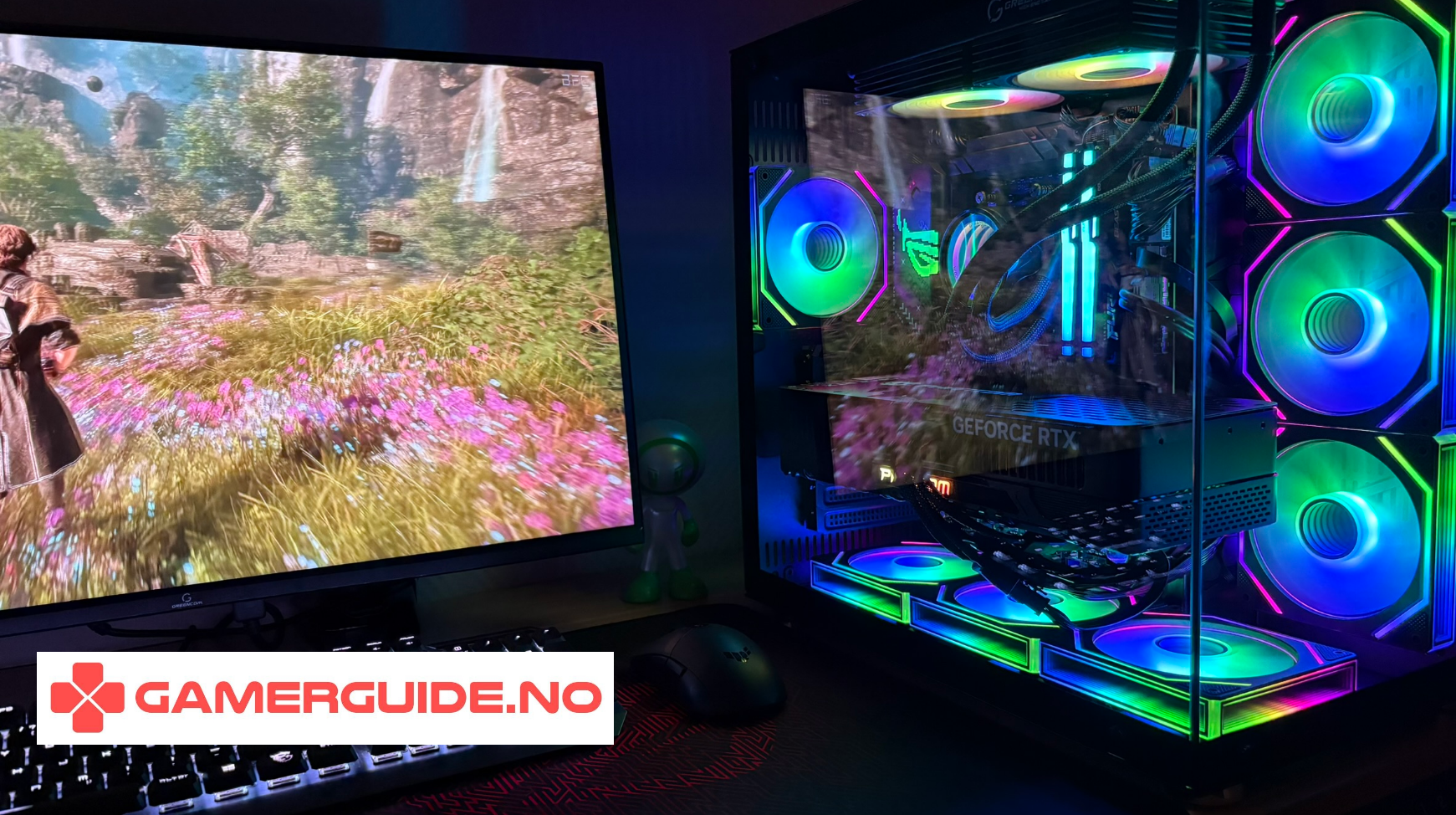
4) ZENITH hX97Z2 (high end)
See all Gaming PCs: https://greencom.no/butikk/greencom-pc
FAQ
What is the best “sweet spot” for a gaming PC in Norway in 2025?
For many, it’s a balanced desktop aimed at 1440p 144 Hz with at least 16 GB RAM (often 32 GB for headroom) and a 1 TB NVMe SSD. The exact GPU/CPU depends on your games.
Should I buy a prebuilt or build my own?
If you want a PC that “just works”, a prebuilt gaming PC can be the easiest route, as long as you check cooling, PSU and upgradeability. Building yourself can be cheaper, but requires time and troubleshooting.
What’s the biggest mistake people make?
Buying based only on a discount label or GPU name, then discovering the PC has too little RAM/SSD or runs hot and loud.
_1.png?1775823017388)



.png)
.png)
.png)
.png)